Where hosts learn the platform by using it
Tribelands Hosts
Where the people who build communities on Tribelands learn to run one with an intelligent core, by living in one.
Already let in? Sign in with that email.
What this place is
A community, not a course. A place you come back to.
You join a gathering already under way, with Tribelands Guide in the circle — there to guide, never to govern. Around the feed are the parts that keep it worth reading: a guide on call that drafts documents with you, discussion groups with a manager and a gentle moderator always present, events to turn up to, a library you can listen to and messages that sort themselves. Nobody here is above the conversation. Everything on this page is the community as it runs, not a brochure of what it could be.
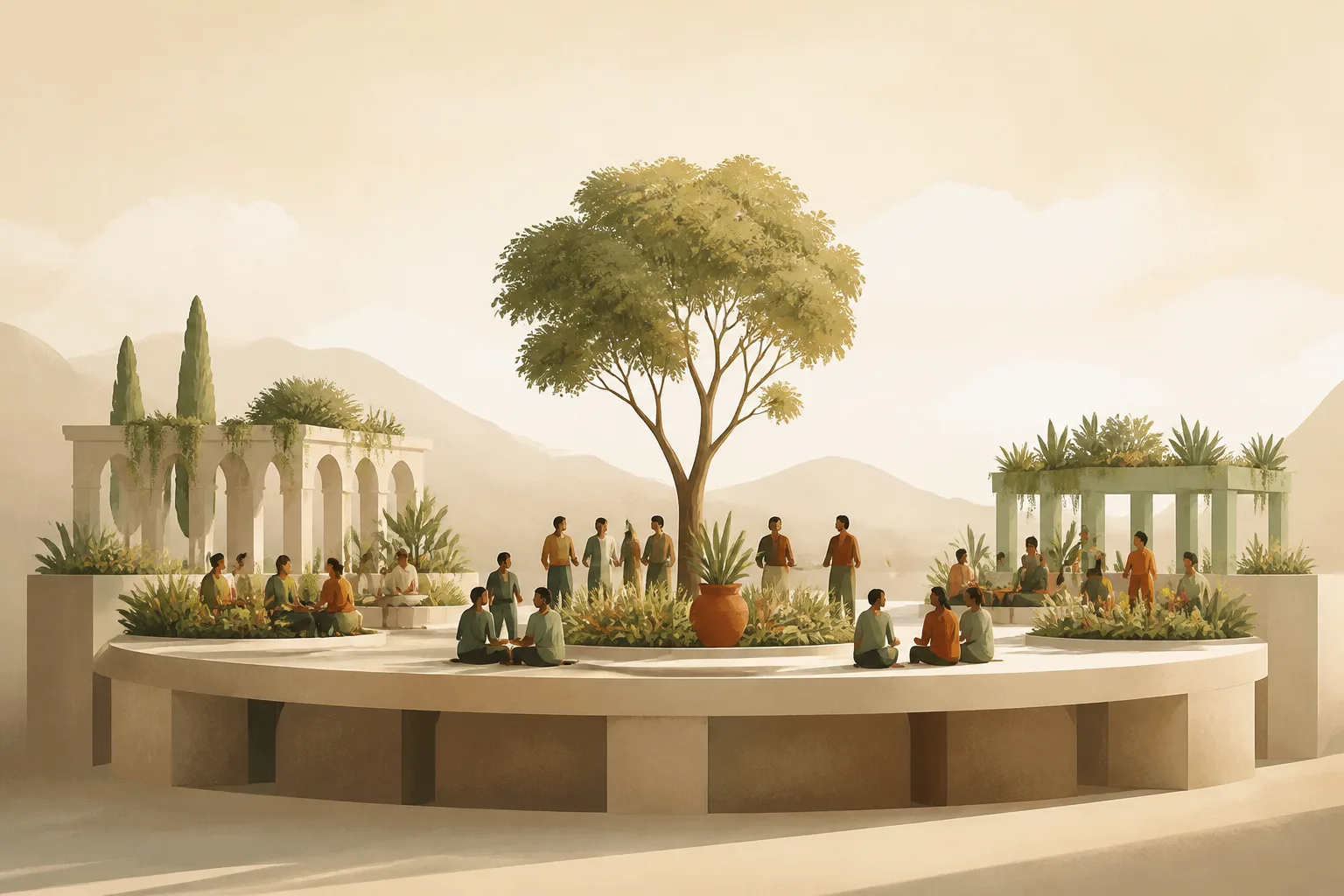
The feed is where everyone gathers.
The hub · The feed
It starts where everyone gathers
The common ground: a feed where hosts compare notes on what they are building — a knowledge base, a podcast and a news feed in one. It answers posts and comments itself, stays current with researched posts when research is on, and moves a stray post kindly to the guide or the right circle, so the host is left with the good stuff. The same feed your members will gather in.
The feed is the common ground: where everything lands and where activity starts, a knowledge base, a podcast and a news feed in one place. Articles arrive here already narrated, so you can read or press play on the way somewhere. Members post, ask and answer each other; a poll shows up when the host wants to know something; a video post when someone has walked through a thing worth watching.
Everything else on this page branches from here: the Path is what the feed keeps pointing you to, the discussion groups are where a thread goes when it needs its own space, the library is where the articles live, and Tribelands Guide is who you ask when you want a straight answer.
What is this community about?
This community is for hosts who are building and running on the Tribelands engine. You’ll learn the platform by using the same features you’ll run yourself — feed, rooms, library and courses, the Path, and the AI Expert — with clear guidance on what each feature does, what it costs (engine-included, AI-metered, or third party), and where its switch lives. We focus on the build order (framework first, then the Expert, then surfaces, then brand, then the launch checklist) so you ship something coherent and finished. Use it to compare notes with other hosts on practice — what keeps a feed alive, how to set tiers, how to structure a Path — and take those patterns back to your own community.

The feed: what it is, how it runs itself, and what that leaves you free to do
The feed is the common ground of a community on Tribelands — a knowledge base, a podcast and a news feed in one. Here is what it does on its own, what it hands to you, and how to set it up so the noise is handled and the good stuff reaches you.
Around it · A guide on call
Someone to ask
Tribelands Guide is the intelligent core of this community and the one you can try first: a guide created and grounded in the platform's own material, that answers at an advanced level, drafts documents with you and keeps them, and never takes the conversation over. Ask it how your own community's guide will lay the foundations with you — purpose, voice, first articles, a path, the discussion groups — and then help with everything after.
Tribelands Guide is the community's own guide, trained on its foundations: what the community is for, how it speaks, what it covers and what it leaves to a person. Its answers, and the way it behaves in the feed and in the discussion groups, all come from the same place, so it sounds like the community and not like a chatbot. It guides; it does not govern.
Ask it anything about the subject and it answers plainly, at an advanced level, and is honest about what it does not know. It drafts documents with you and keeps them, and you can hand it a file to read.

Start in the feed and read what people are already talking about; it tells you what the community is for faster than any description. Then open the first step of the Path and finish it before you do anything else. Ask me anything along the way, and I will answer from this community's own foundations and library.
Around it · Discussion groups
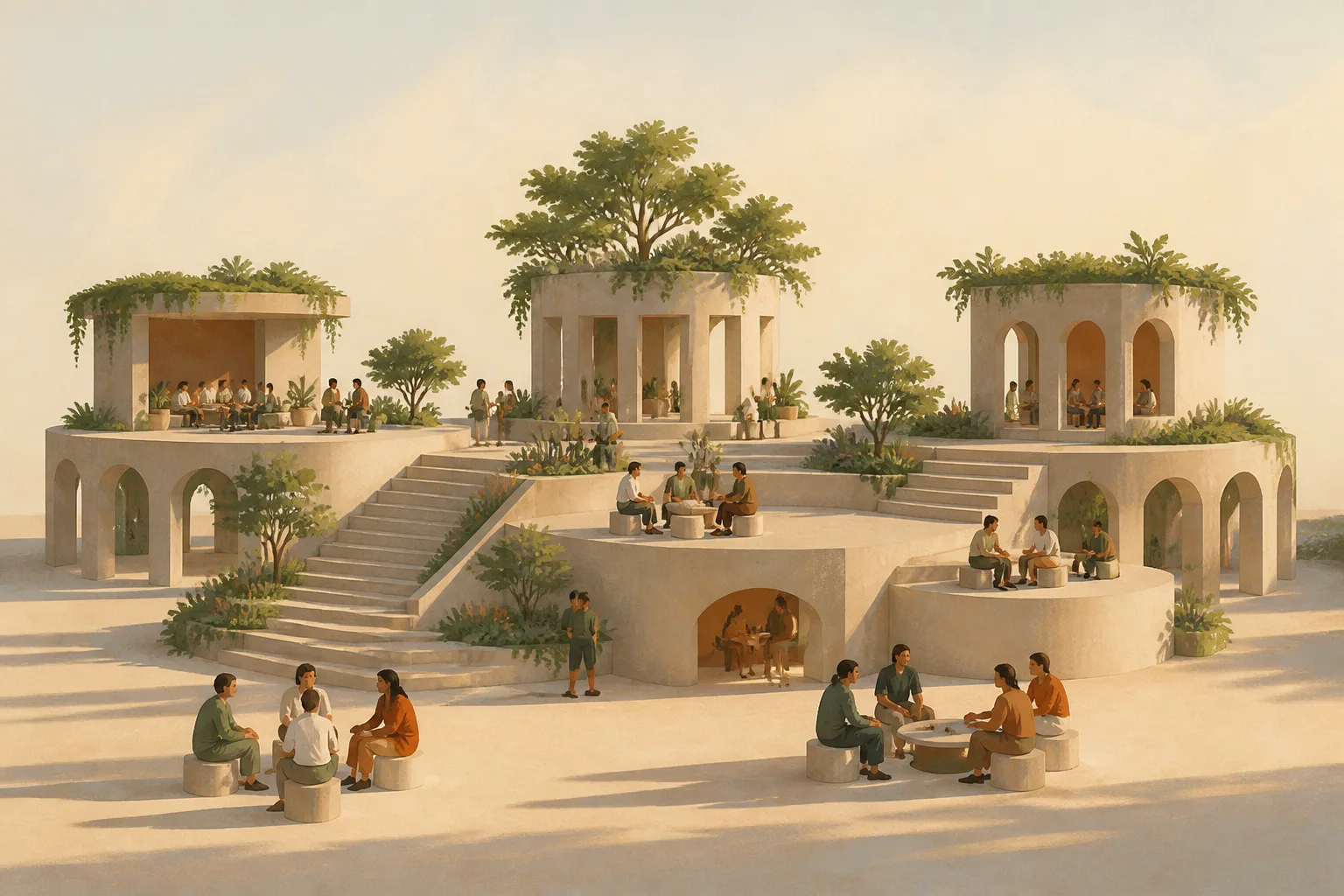
Discussion groups, each with a purpose
Circles by subject — getting started, content, pricing, the AI, a showcase — where hosts help each other, with Tribelands Guide present at all times to keep each one useful and kind, and on call by name when you want a view. Guidance, never governance.
When a thread in the feed needs its own space, it has one. Each group has a one-line purpose and a charter that says what belongs there and what does not, written the way a club writes its constitution, in plain words.
Tribelands Guide helped create them and has read every charter. It is present in every group at all times in two quiet roles: a helpful manager that keeps a thread on course and points at the article or step that answers the question, and a gentle moderator that keeps the group kind. It never takes a group over.
Anything on the community's subject that has no better home yet. When a thread keeps recurring, it earns a room of its own.
Introductions and first questions. Everyone starts here.
Around it · Events
Something to turn up to
Alongside the posts there are things to turn up to: a livestream from the host, a group call with everyone on camera, a session in person at a place, and time with the host that you book yourself. They are announced in the feed, and you are reminded by email or notification before one starts.
Some are open to everyone, some come with your membership, and some are ticketed. A session you book is approved by the host first and paid for afterwards.
If you cannot be there, the recording lands back in the feed.
Around it · The library
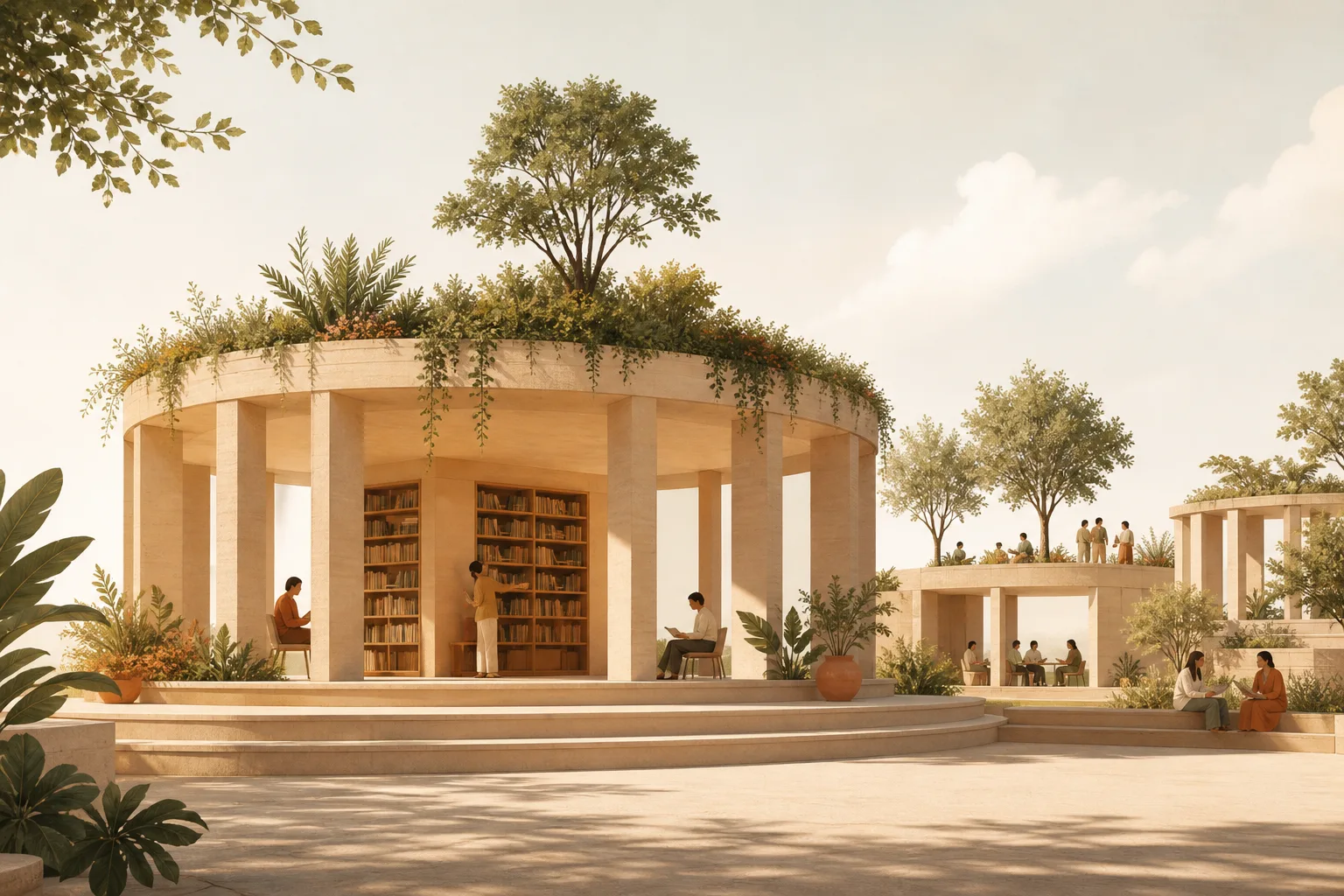
A library you can listen to
Narrated articles on building and running a community with an intelligent core: setting the foundations, the feed, the library, the path and courses, the discussion groups, messaging, members, brand and launch — written for a busy host who wants the answer and the next action.
Every article is narrated, properly, so the library works on a walk as well as at a desk — the community's knowledge base and its podcast at once. The feed lifts an article when it fits what people are talking about, so the library comes to you as often as you go to it.
Beyond the Path, courses go deeper on a single subject, in the same read-and-listen shape.
Around it · Messages
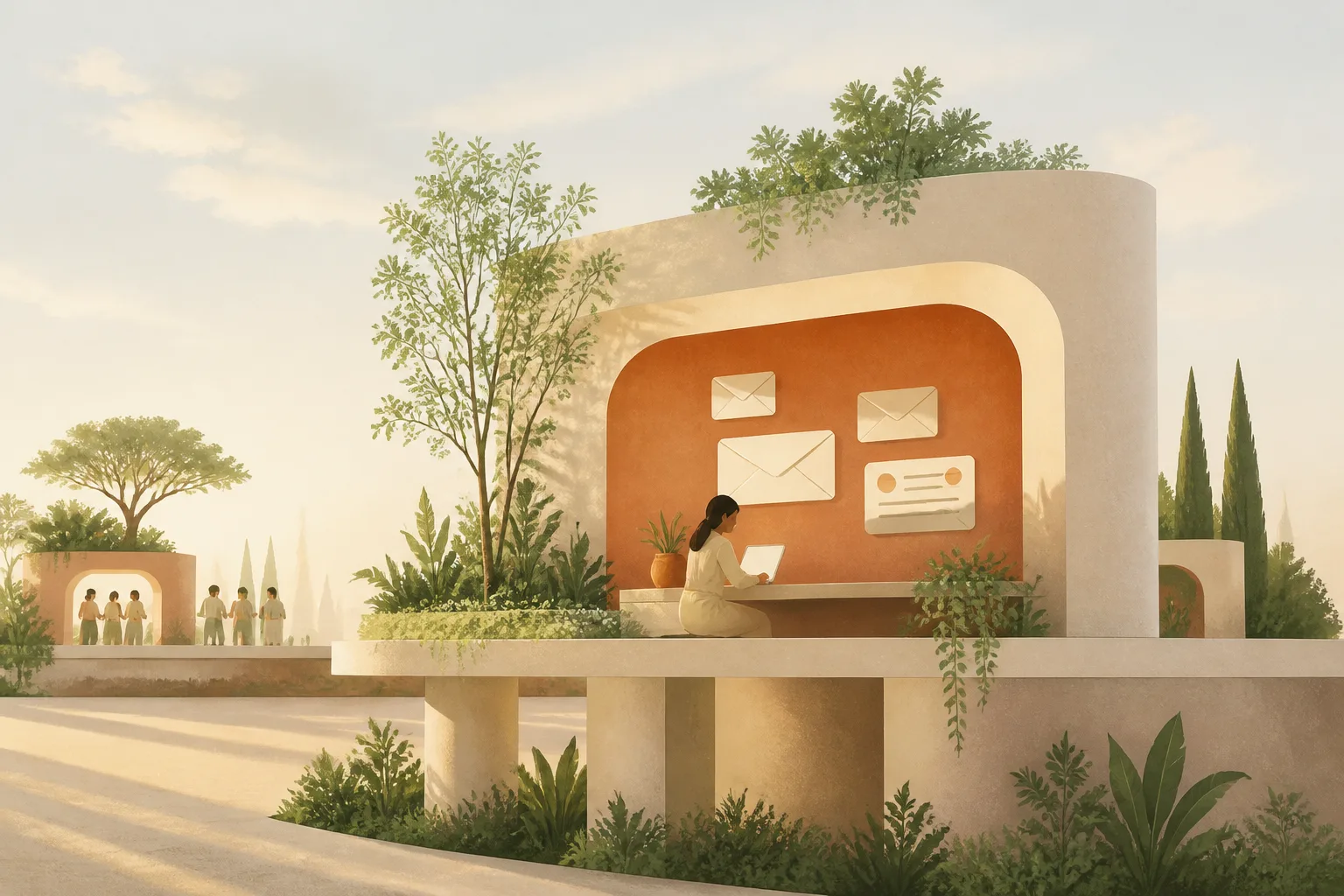
Messages that sort themselves
A private inbox, announcements and a weekly digest here, with Tribelands Guide answering support questions it can and sorting the rest; in your own community the same tools run your welcome, renewals and broadcasts.
A private inbox, announcements from the host, and a weekly digest of what you missed. A support question goes to Tribelands Guide first, which answers what it can from the community's own material and sorts the rest.
People like you · Members
Where you meet people like you
Hosts is where you meet other hosts: people building a community of their own, with goals like yours and the same things to weigh up, from how to price a membership to how much of your own material to share and how to keep a community kind.
You will meet people who share your outlook and want more than a feed: people who start from the same ground, say what they think and mean it. Some become the ones you check in with, the ones you swap ideas with, and the ones you work with on something none of you could do alone.
Discussion groups give particular conversations their own space, each with a purpose written in plain words.
And a call or a session to turn up to, together.

On your phone
Put Tribelands Hosts on your phone
No app store and nothing to download. Add it from your browser and it sits with your other apps, opens full-screen, and tells you when something is new.
It is the same community, kept one tap away: a reply to your post, a live call about to start, a new article, with a small number on the icon to say how much is waiting. Notifications are your choice to switch on, and you can switch them off again.
Example
How to add it
- Open this page in Safari.
- Tap Share, then Add to Home Screen.
- Open it from your home screen, and switch notifications on when it asks.
Notifications need iOS 16.4 or later, and only work once it is on your home screen.
- Open this page in Chrome.
- Open the menu and tap Install app (or Add to Home screen).
- Open it from your home screen or app drawer.
Samsung Internet and Edge work the same way.
- Open this page in Chrome or Edge.
- Click the install icon at the right of the address bar, or open the menu and choose Install.
Safari on a Mac (macOS 14 or later): File, then Add to Dock.
A browser that does not offer it still opens the community as a website, as it always has. Notifications are for members, and the number on the icon appears on devices that show them.
From the library
Start reading now
Read or listen to these in full, no account needed.
The feed: what it is, how it runs itself, and what that leaves you free to do
The feed is the common ground of a community on Tribelands — a knowledge base, a podcast and a news feed in one. Here is what it does on its own, what it hands to you, and how to set it up so the noise is handled and the good stuff reaches you.

Discussion groups: give a conversation its own space
When a thread in the feed needs room to grow, it gets a group of its own, with a purpose and a charter written in plain words. Here is how groups work, who looks after them, and how to set up the first one.

The brief: say what your community is for before you build it
Your community's brief is a short document, written in conversation, that says why it exists, who it is for and what a member gets. It shapes what visitors see and how your community speaks. Here is how to write yours.

Put your community on your members' phones, with no app store
Your community can be installed on a phone or a computer straight from the browser: its own icon, full-screen, with notifications and a badge that stays current. Nothing to build, submit or keep up to date.